SolCard Pay: Send Money to Friends by @tag
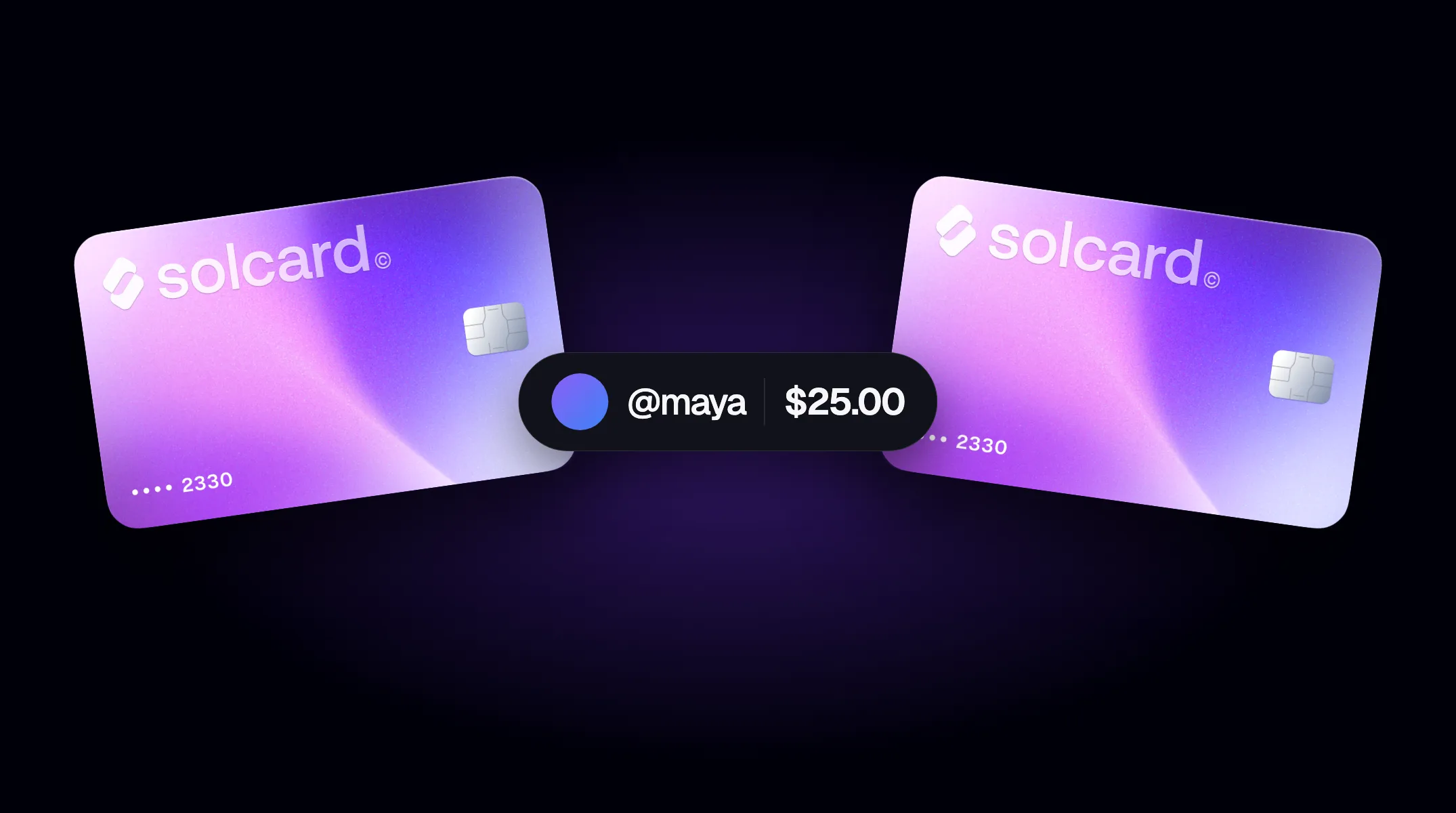
SolCard Pay is live: you can now send money from your SolCard balance to another SolCard user with nothing more than their @tag. No wallet addresses, no network to pick, no card number to share. Type the tag, enter an amount, and it moves from your card to theirs.
Until now, getting money from one SolCard to another meant going back through crypto: withdraw, send to a wallet address on the right network, and wait for the other person to top up again. Every step costs a network fee and a chance to paste the wrong address.
Pay skips all of that. The money never leaves SolCard: it's already sitting on your card as dollars, and Pay moves it directly onto the other person's card. Splitting dinner, paying back a friend, or chipping in for a shared subscription works the way it does in any payment app, except both sides can spend the balance anywhere Visa or Mastercard is accepted.
Your tag is your public name on SolCard Pay. It's how other users find you and send you money, and it's the only identity they see: your legal name, email, and account ID stay private.
- Open the SolCard dashboard and go to Account → Profile.
- Choose a tag: lowercase letters only, up to 12 characters. You can set it only once, so choose carefully.
- Optionally add a display name and a profile picture, so people know they have the right person.
You don't need a tag to send, only to receive.
Payments sent to your tag go to your receiving card, which you pick in the same Profile tab. Only Platinum cards can receive payments, so if you don't have one yet, upgrade a card first. You can change your receiving card at any time.
- Open the card you want to pay from in the dashboard and choose Pay.
- Enter the recipient's @tag and check their display name.
- Enter the amount and review it. If you're paying from a Platinum account to a non-Platinum account, the review shows the fee and what the recipient receives.
- Confirm.
The amount comes out of that card's balance, and $5.00 has to stay on the card, so you can send up to your balance minus $5. Make sure it's topped up first. If you need to add funds, you can top up with USDT on Tron, USDG, EURC, or any of the other assets SolCard accepts.
Payments between accounts of the same card type are free, and so are payments from a non-Platinum account to a Platinum account.
A Platinum account can also pay a non-Platinum account, with a 5% fee taken from the amount. Your card is debited the amount you enter and the recipient receives the rest: send $100 and they get $95. If a payment fails after the fee was taken, the fee is refunded to your card automatically.
The minimum payment is $1.00, or $20.00 when a Platinum account pays a non-Platinum account. If a payment can't go through, the dashboard tells you what applies to your account and, if relevant, how to upgrade.
For your security, payments have sending limits, and larger payments may occasionally ask you to confirm it's really you with a quick face check before they go through.
Open your card in the dashboard, choose Pay, enter the other person's @tag and an amount, and confirm. The money moves from your card balance to their receiving card, with no wallet address or blockchain network involved.
Only to receive. Anyone can send without a tag; to receive payments, claim a tag in Account → Profile and choose a Platinum card as your receiving card.
Only one kind of payment has a fee. When a Platinum account pays a non-Platinum account, a 5% fee comes out of the amount: send $100 and the recipient gets $95. The review step shows the fee before you confirm, and it's refunded to your card automatically if the payment fails. Every other payment is free.
No. A tag can be set only once, so pick one you're happy to keep. You can change your display name, profile picture, and receiving card later.
No. Other SolCard users only see your tag, display name, and profile picture. Your legal name, email, and account ID stay private.
The recipient needs a Platinum receiving card, and a payment has to be at least $1.00 ($20.00 from a Platinum account to a non-Platinum account) and leave $5.00 on your card. Check the tag spelling with them too: the dashboard tells you when no account has that tag.
Claim your tag in the SolCard dashboard and tell your friends. Don't have a card yet? Get your SolCard and start sending.